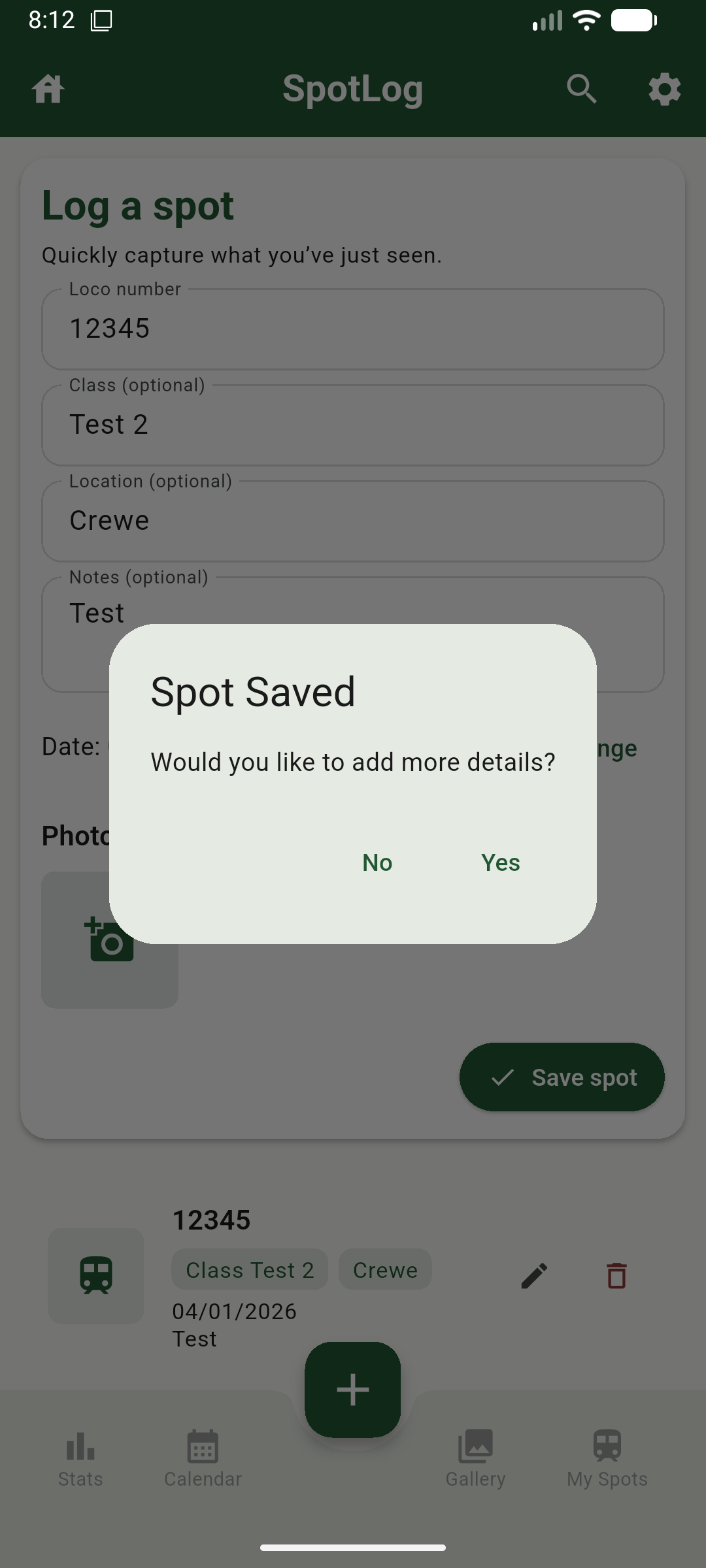
Quick Log
The quick log screen is the first screen you are presented with when SpotLog loads, this screen allows you to quickly capture the details that matter as fast as possible.
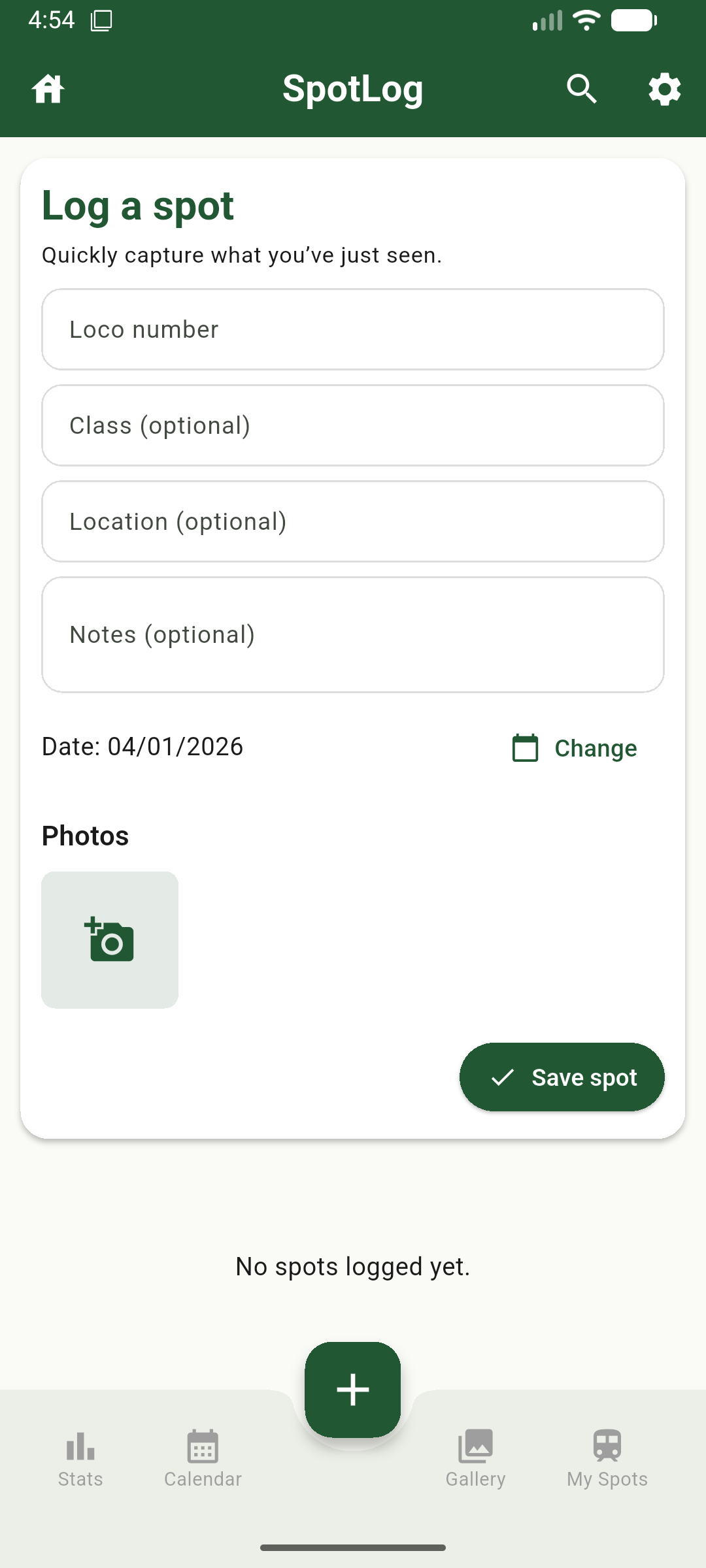
Adding Photos
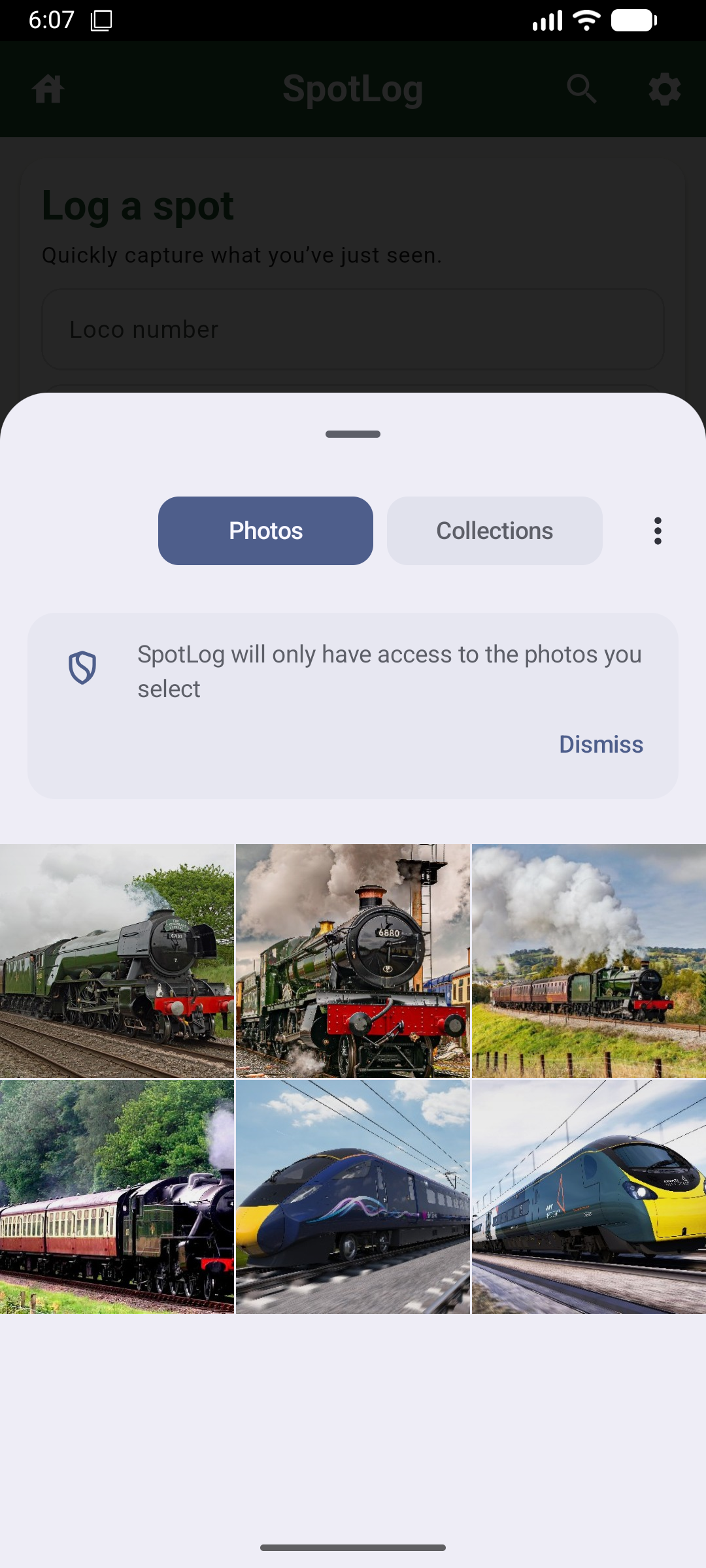
You can also add photos from this screen, clicking the camera icon within SpotLog will allow you to pick a photo to attach to the spot.
Detailed Spot Details
Once a spot has been recorded using the quick spot, SpotLog will ask you if you would like to record more detailed information for this spot