
My Spots
My Spots is where you can find all of your spots that you have recorded within SpotLog
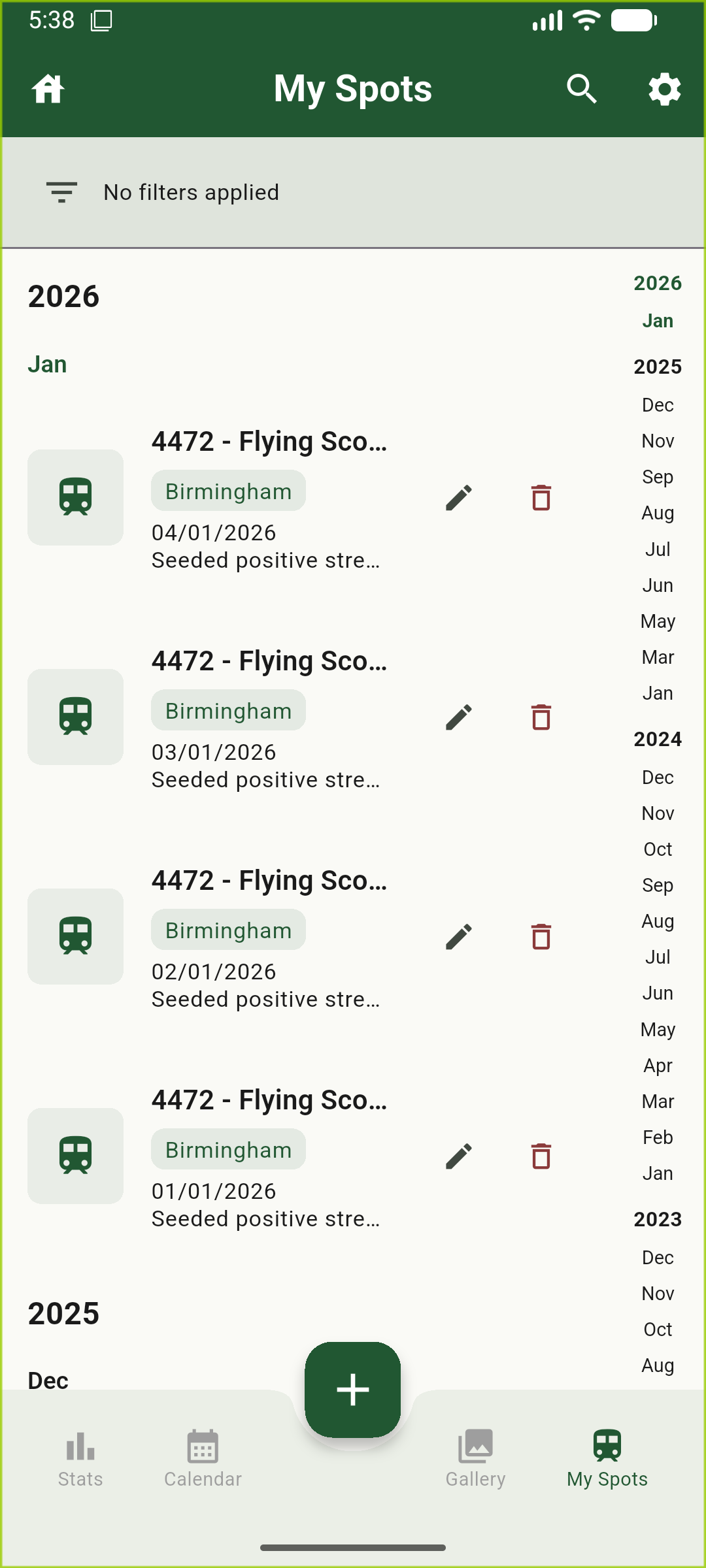
It is possible to filter these spots, this is explained in more detail on the filtering page.
Chronological Navigation
My Spots contains a chronological navigation bar down the right side of the screen, this allows you to navigate through your spots by Year or Month, you can click on a month within the chronological list and you will be taken to that month.
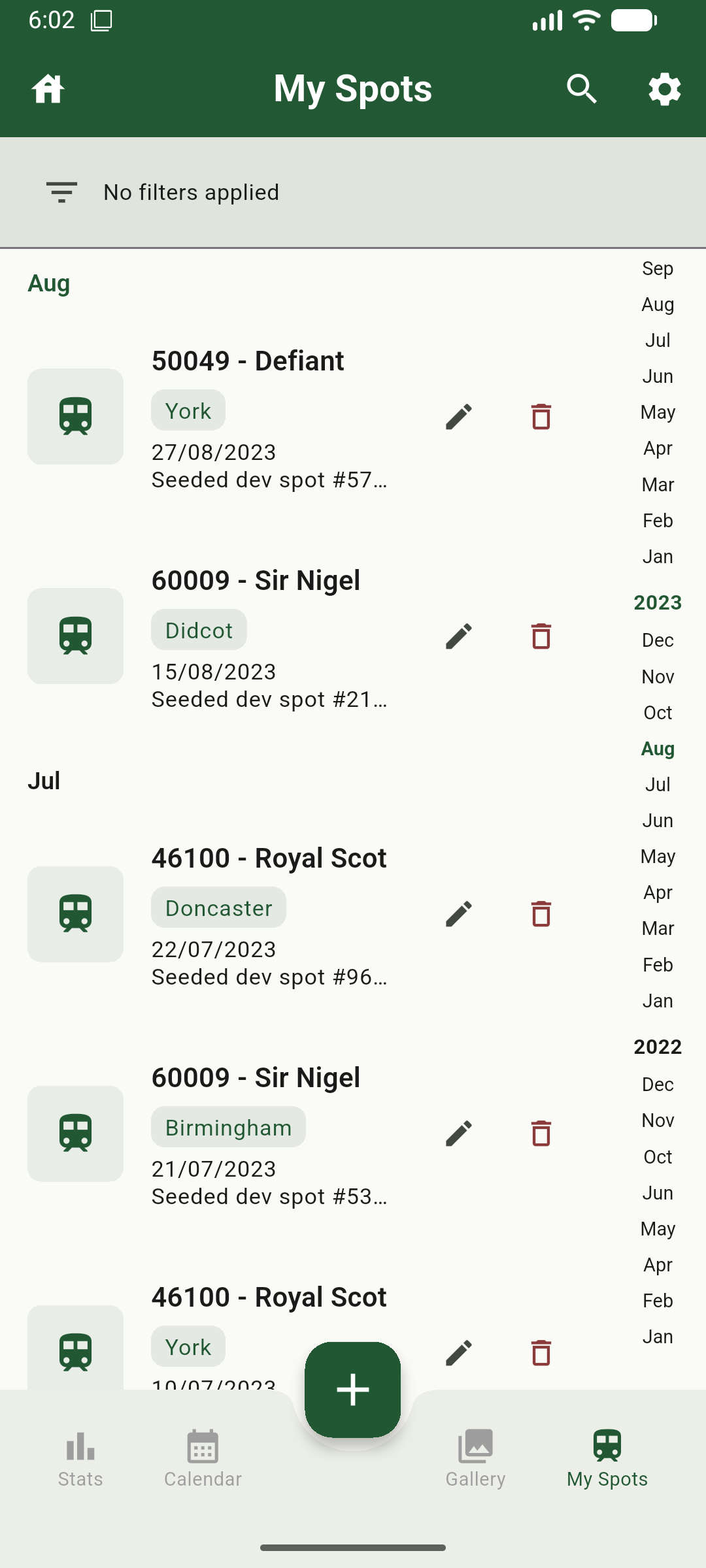
It is possible to scroll the chronological list to get more years or months to appear if you have a extensive record of spots.